
3-month subscription
£25 total
From £0.28 per day
- 35,000+ international TV channels
- 179,000+ films and series on demand
- SD, HD, FHD, 4K and UHD options
- Anti-buffer European servers
- +£5 for adult channels
- +1 month free (annual plan only)
Watch live channels, major sport, films and series on compatible Smart TVs, Fire TV, Android devices, phones and computers. StrimoIPTV combines a broad UK and international catalogue with guided setup and friendly WhatsApp support.
Others compete only on price. We focus on the full experience — 12 months for £59.
Browse a visual sample of app and channel artwork. Availability changes over time, so ask about a specific UK or international station before ordering.


























Move from a scheduled channel to an on-demand film or series without leaving the same compatible player. Artwork helps you scan the library quickly on a television screen.










Find football, motorsport, combat sport and other event channels through dedicated groups, then save the most useful listings to your favourites.












These interface previews illustrate content-led navigation. Exact menus depend on the player and device you choose.
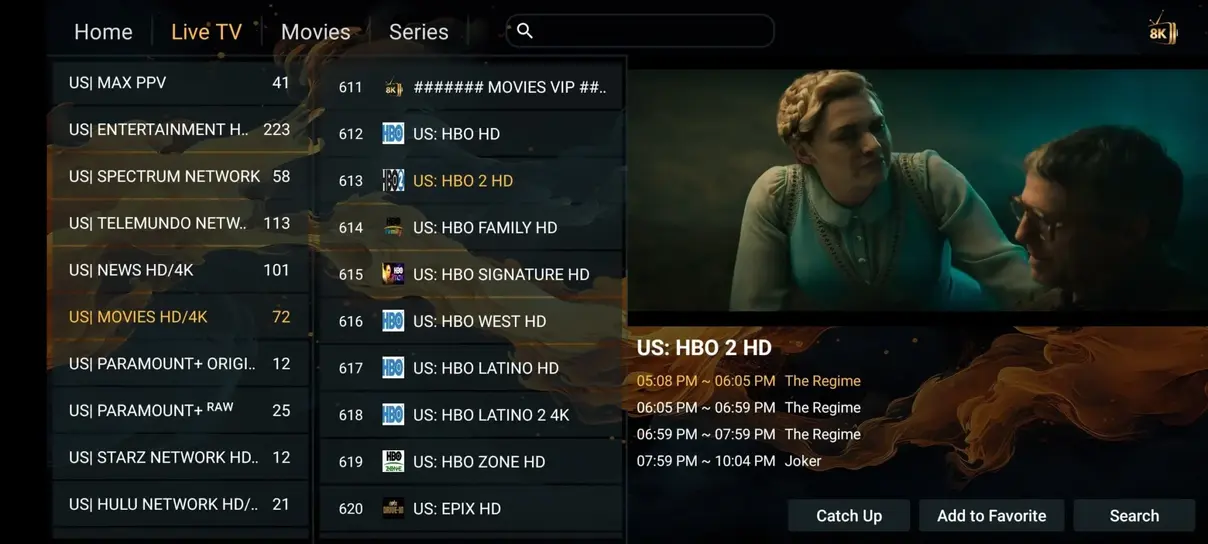
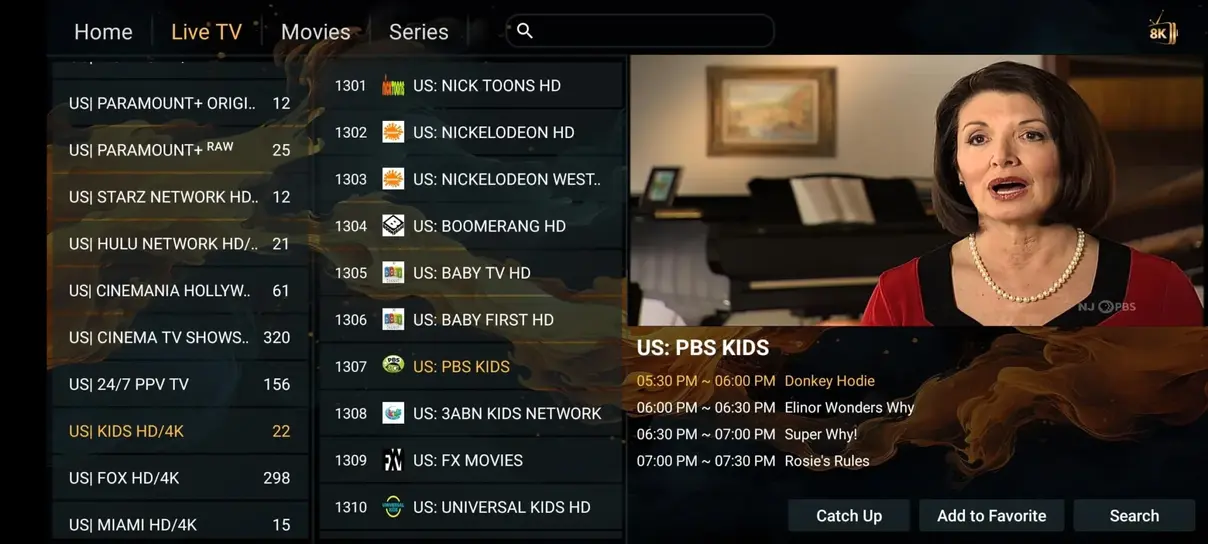
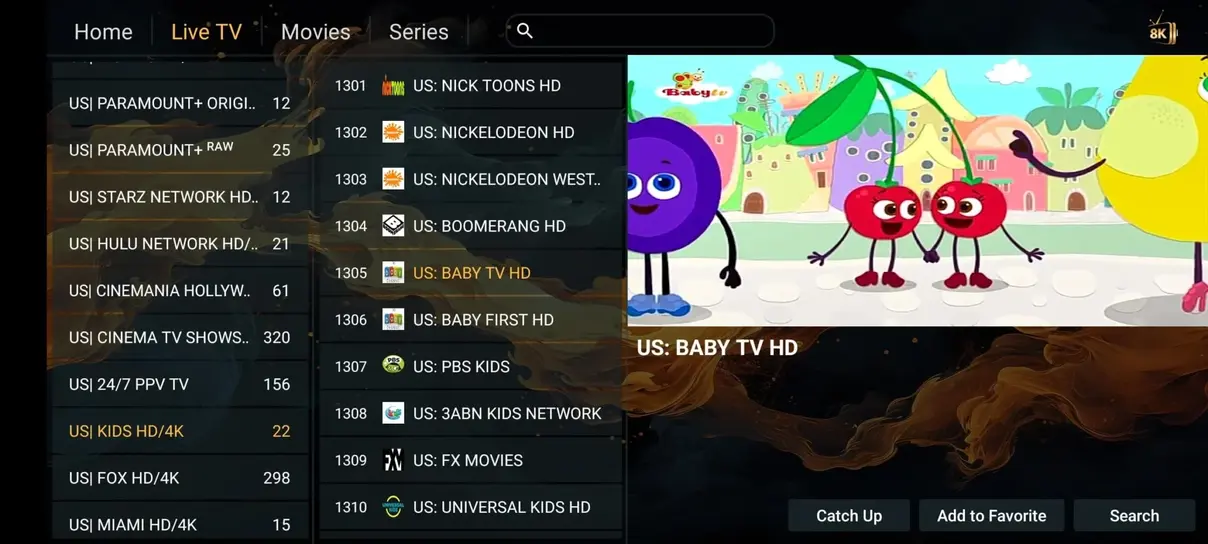
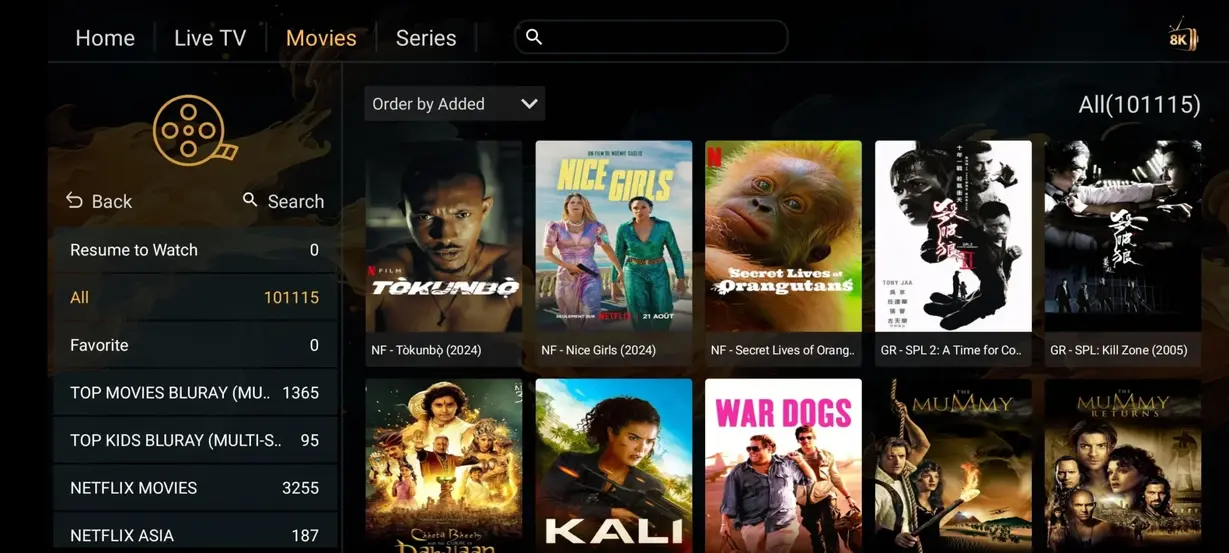
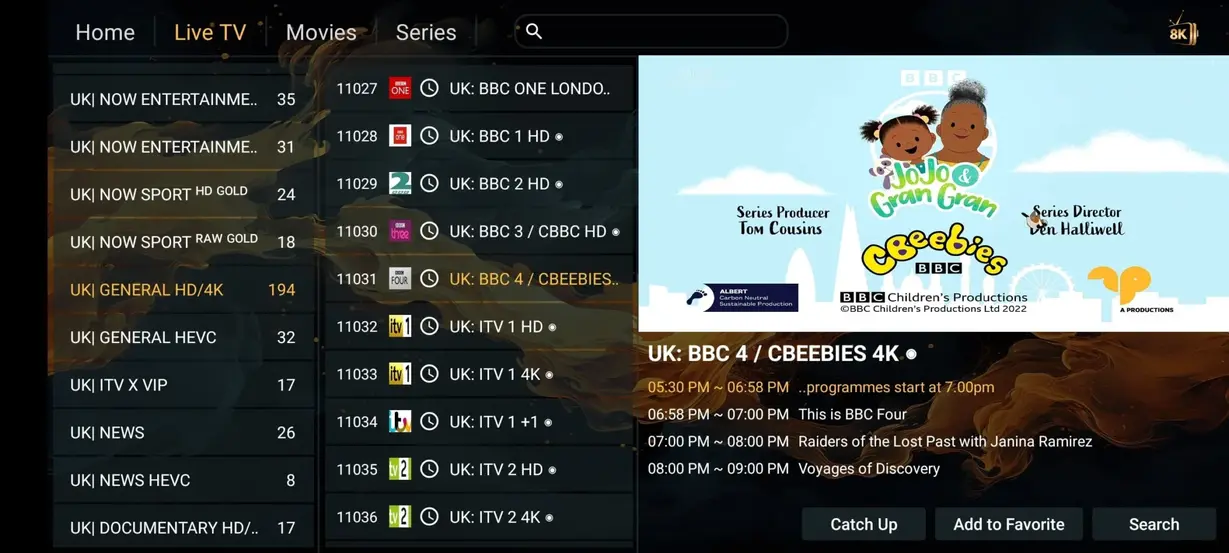
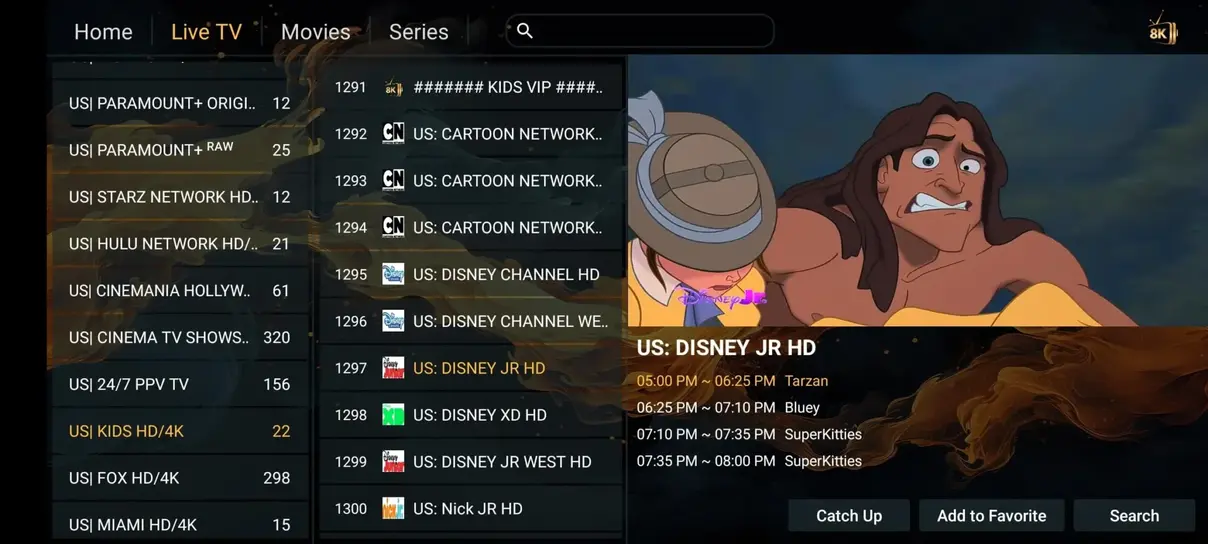
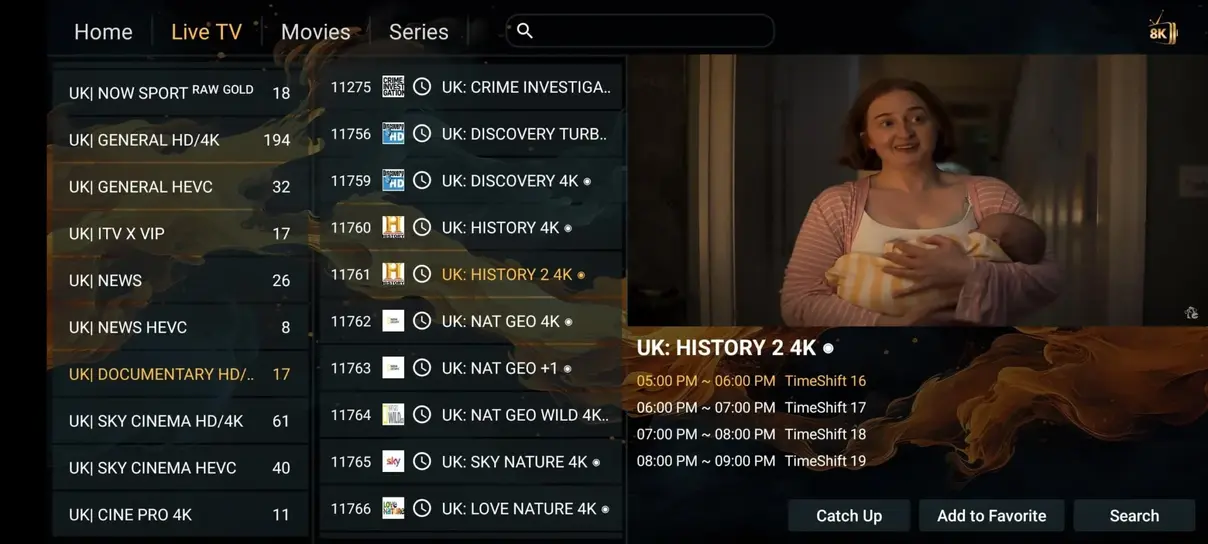
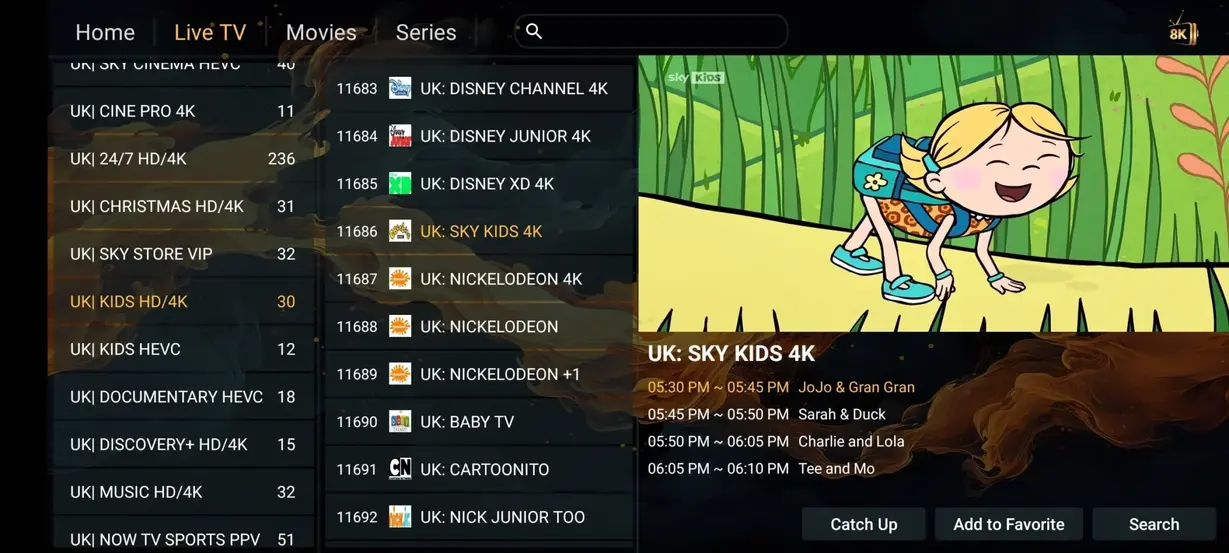
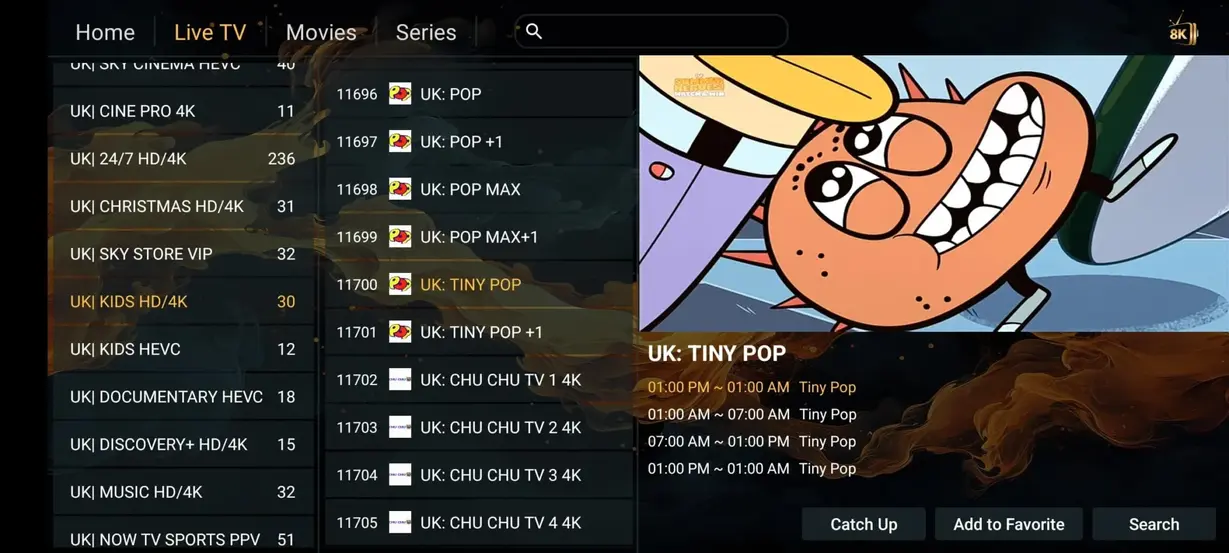


HOT Player is shown as an interface example. App availability, version and menu details can vary by platform.
Compare headline catalogue and package characteristics. Traditional provider prices and channel counts vary, so use this as an orientation rather than a universal quote.
| Category | StrimoIPTV | Typical cable or satellite |
|---|---|---|
| Annual cost | £59 a year | £1,200+ a year |
| Live channels | 41,821+ | 200–500 |
| Films and series | 177,000+ | Often costs extra |
| Adult channel option | Included on annual plan | Often unavailable |
| 24/7 channels | 1,000+ | None |
| Sports categories | Included | Package dependent |
| Long contract | No fixed-term contract stated | Common |
| Watch on compatible devices | Yes | Often limited |
Choose the duration that fits your plans. The 12-month package carries the annual promotion and the lowest approximate daily cost.
£25 total
From £0.28 per day
£59 total
From £0.16 per day
£39 total
From £0.21 per day
Try a shorter commitment with the same clear support route.
£12
Choose 1 month
App installation, access details and one final refresh are usually all that stand between activation and the first channel.
Download HOT Player or another compatible IPTV player on your Smart TV, Fire TV, Android device or other supported platform.
Open the player and add the M3U address, Xtream Codes information or device details supplied in your subscription email.
Reload the playlist, check the EPG time and open a live channel or VOD item. Ask support if a step looks different on your model.
Use a compatible Smart TV, Fire TV device, Android box, phone, tablet or computer. Wired networking can improve consistency for fixed television setups.








UK customers use StrimoIPTV for sport, films and international channels. The service is rated 4.9 out of 5 from 243 reviews, with feedback focused on picture quality, stability and straightforward installation.
★★★★★ 4.9 / 5 based on 243 reviews
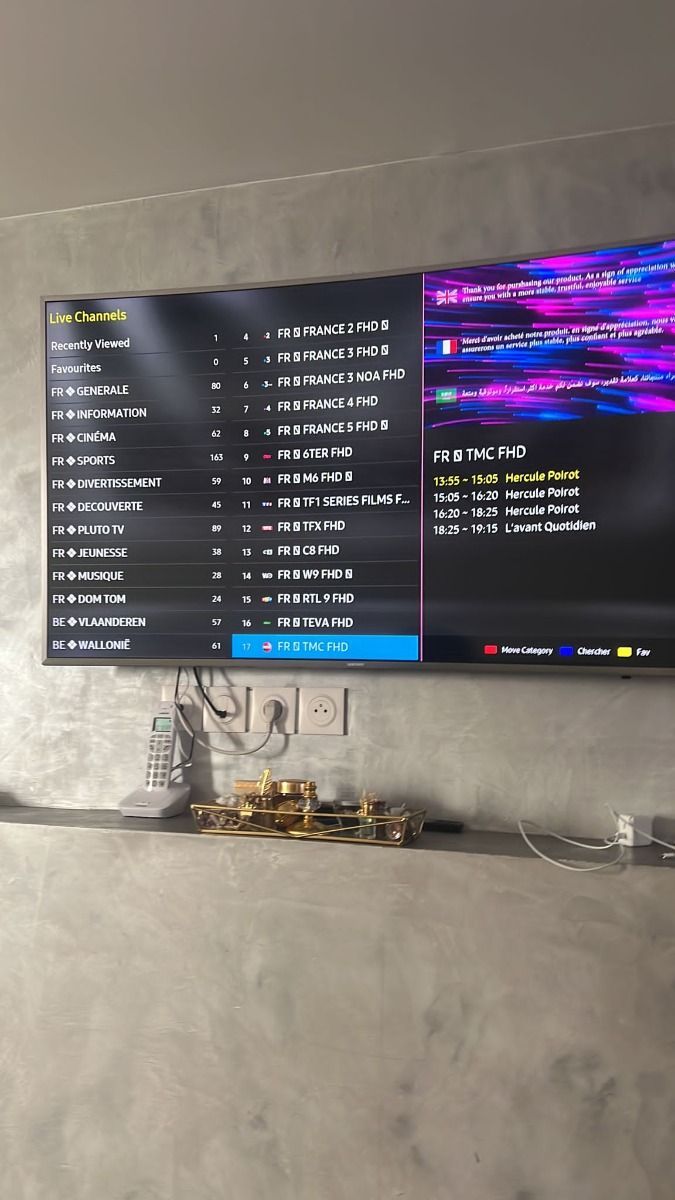
The Fire TV setup was easier than expected. The guide helped me choose the right login method, and weekend sport has been simple to find.
Verified customer review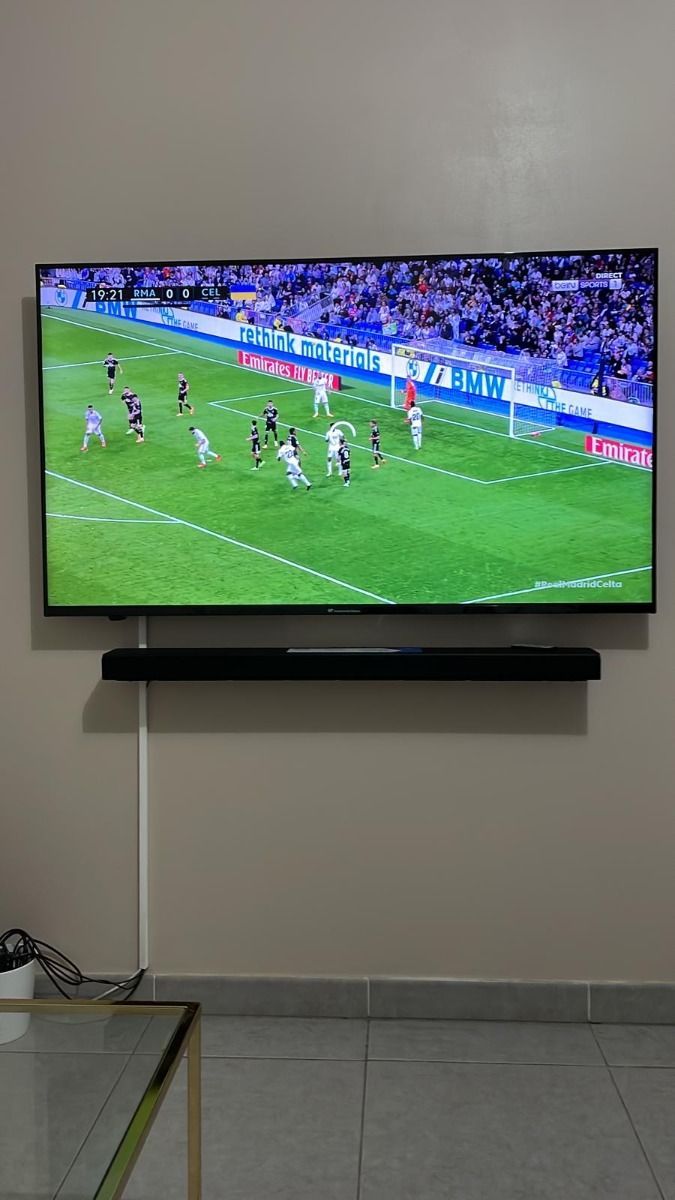
I mainly use the movie and series library on an LG television. The layout is clear and WhatsApp support explained the first refresh quickly.
Verified customer review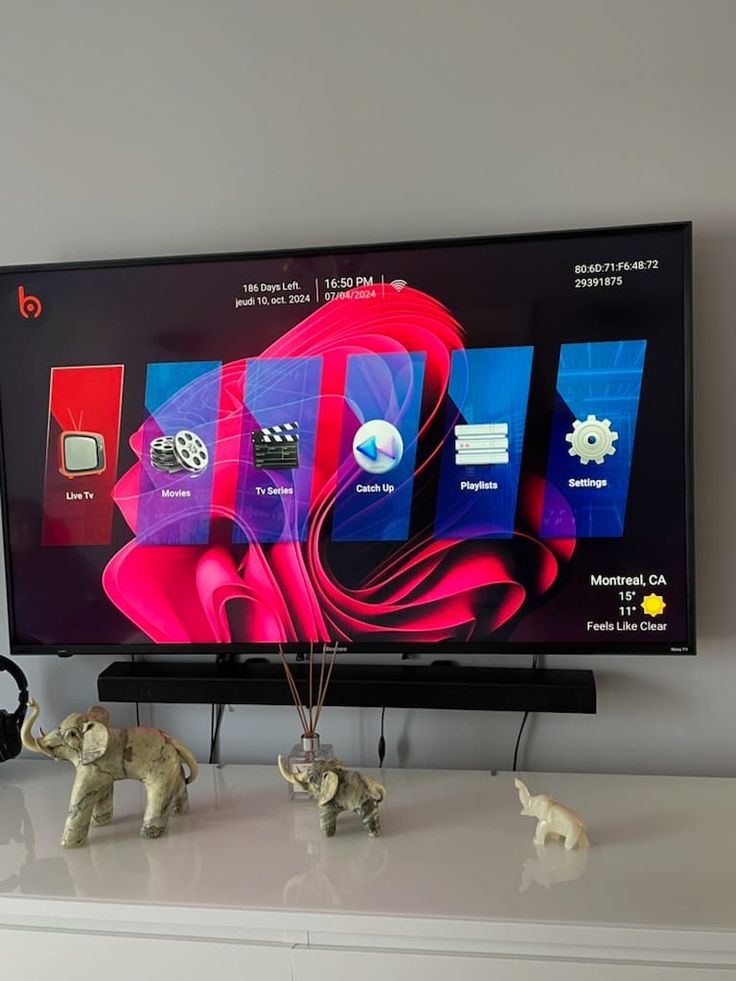
The channel categories are tidy and the EPG makes live viewing much easier. I also appreciate having practical troubleshooting steps on the site.
Verified customer review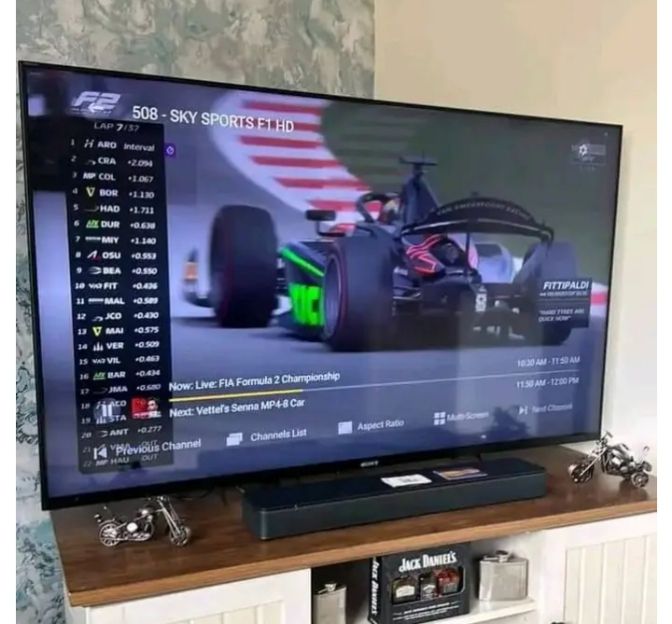
Installation on Android TV took only a few steps. The picture quality adjusts well when the household connection gets busy.
Verified customer review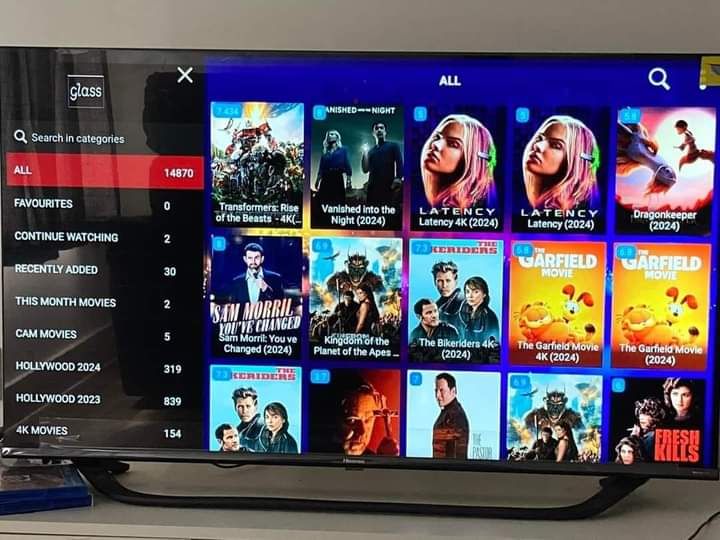
The multi-screen explanation was straightforward. We can plan what to watch without guessing which package fits our devices.
Verified customer review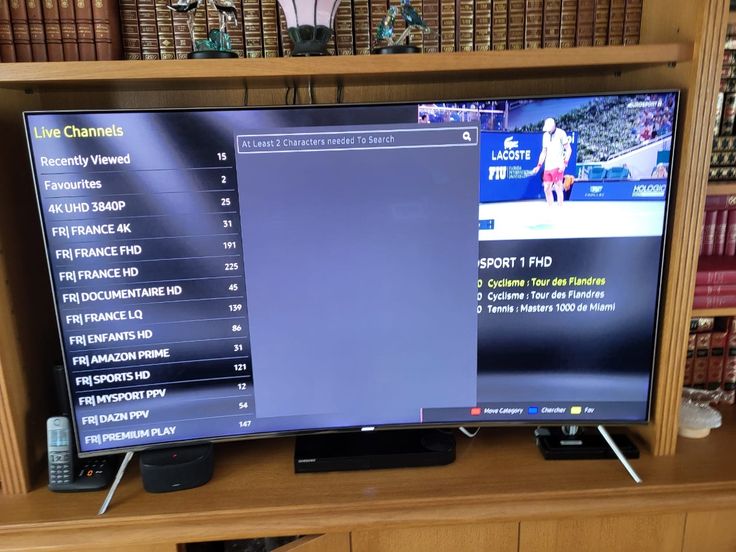
I wanted UK and international entertainment in one app. The search and favourites features make the larger catalogue manageable.
Verified customer review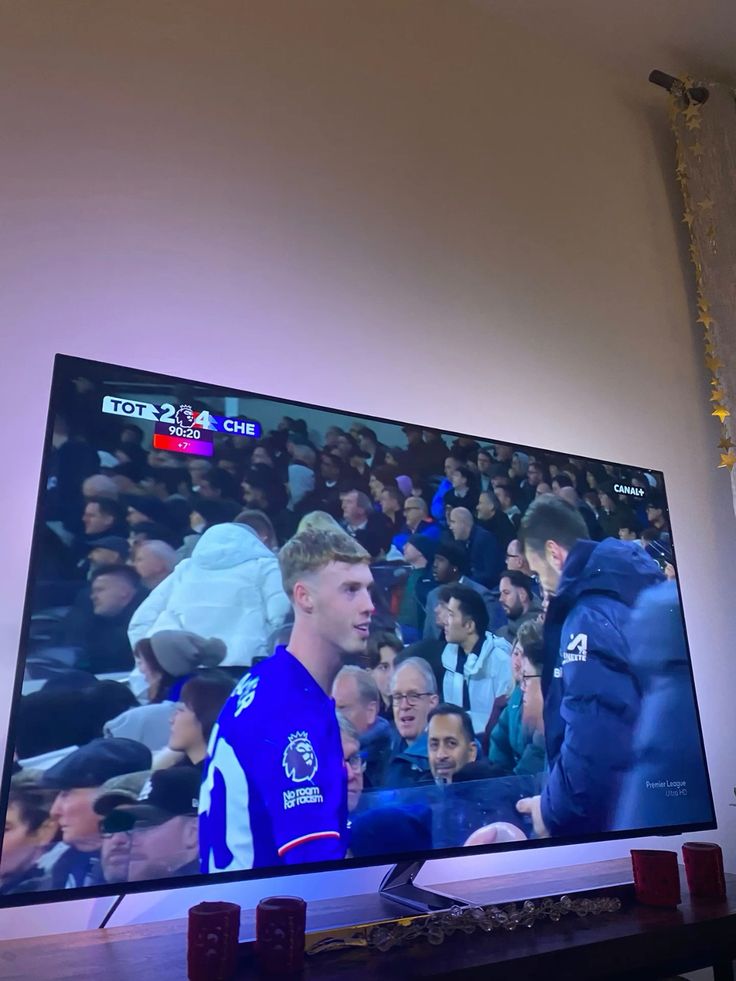
Support helped me correct an EPG time setting on my Smart TV. The response was clear and did not assume technical knowledge.
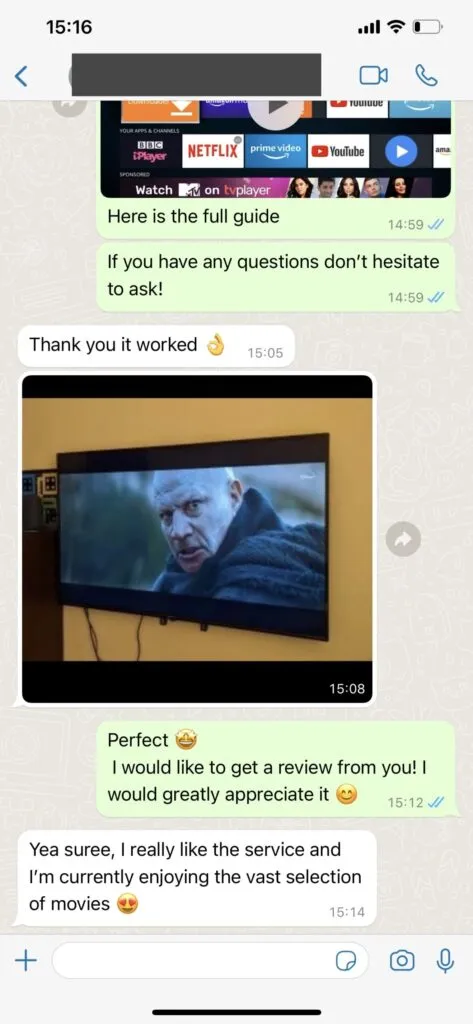
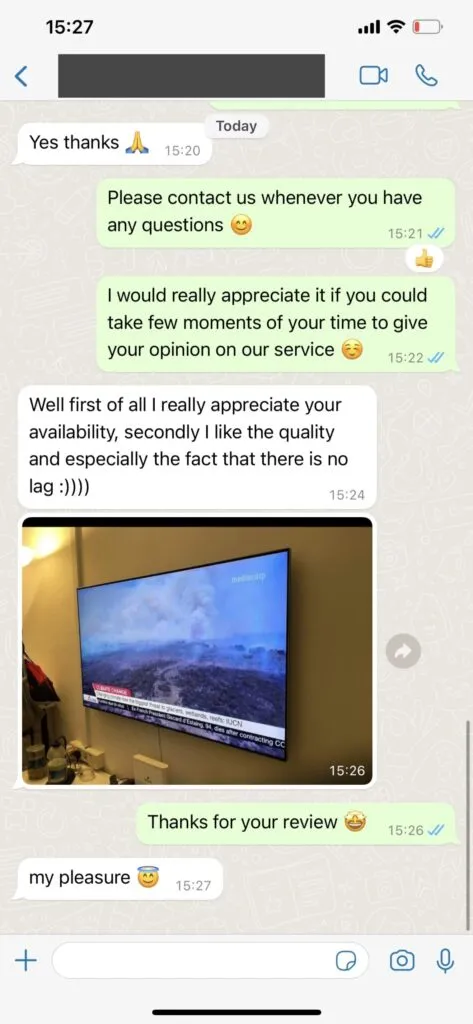
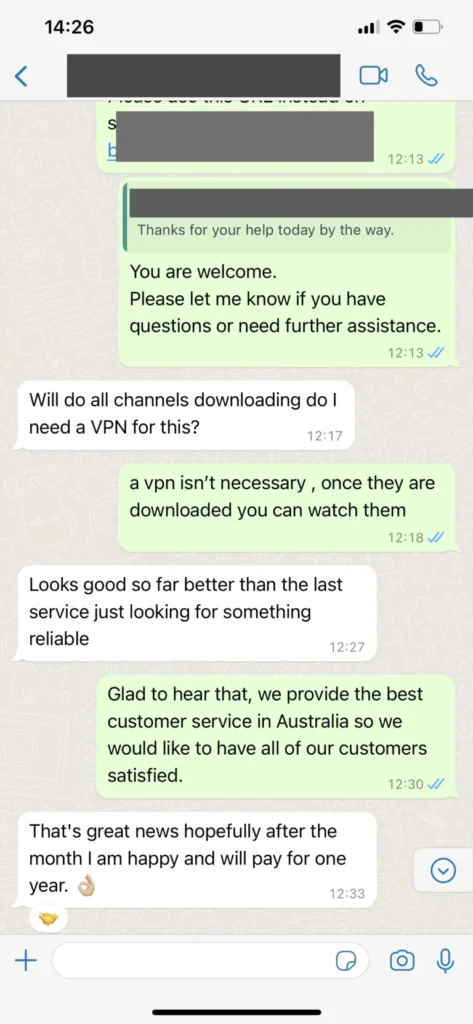
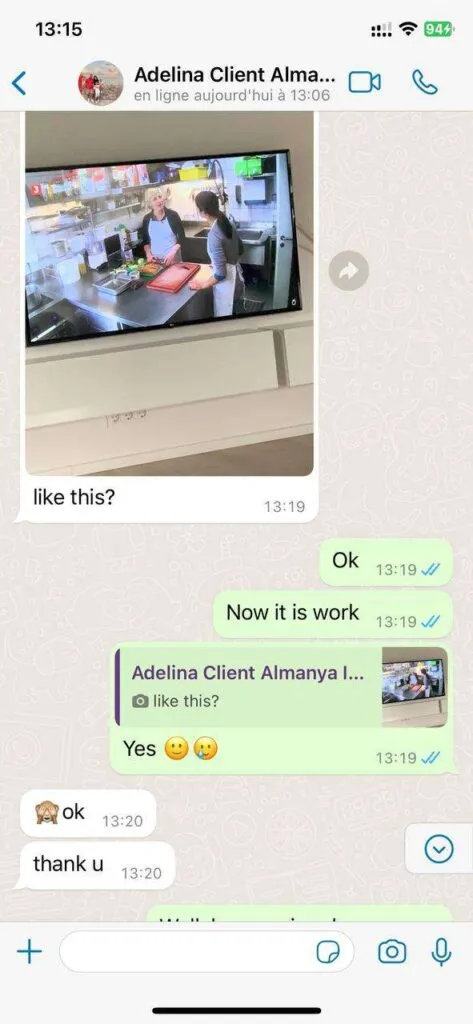
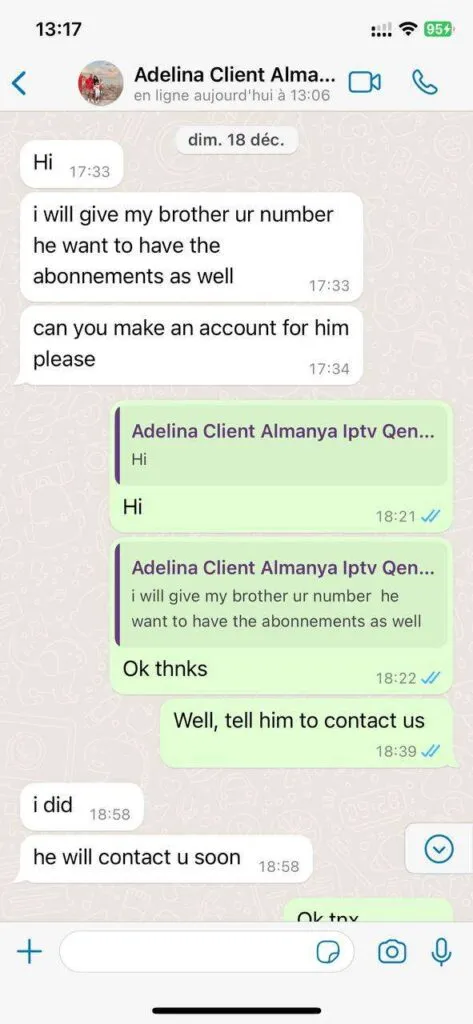
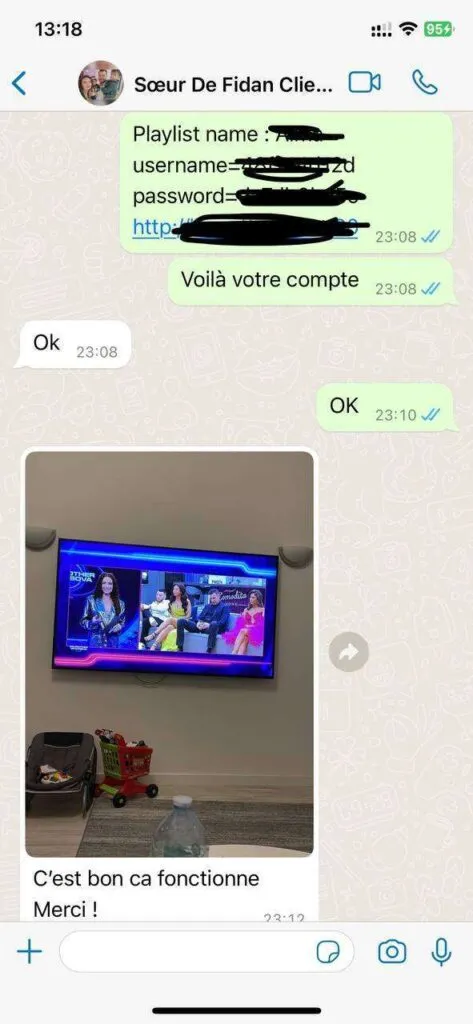
Verified customer reviewSee examples of the type of device and setup guidance that can be handled through WhatsApp. Screenshots are illustrative and personal details should never be shared publicly.
From programme data to device flexibility, each feature has a practical job in the viewing experience.
Browse UK, European and international channel groups with search and favourites.
Request simultaneous viewing for two or more confirmed screens.
Move between films and series without waiting for a broadcast schedule.
Choose a stream that suits the display and available connection speed.
Use regional infrastructure designed to reduce unnecessary network distance.
Read programme listings and revisit eligible recent broadcasts in supported players.
Find football, motorsport, PPV and event channels in dedicated groups.
Use supported Smart TVs, Fire TV, Android, iOS, computers and boxes.
Refresh playlists and guide information without rebuilding every favourite manually.
Ask for help with package choice, app setup and common playback faults.
Read the policy conditions and contact support promptly if the service does not fit.
The extra month is reserved for the 12-month promotional plan.
This extended guide approaches a complete UK streaming overview from distinct practical angles without repeating the same sales paragraph.
For a complete UK streaming overview, start with the viewing goal is a practical starting point. Define whether live sport, evening films, international news or family viewing matters most before comparing headline totals. In the context of live television, that means checking what the device actually shows instead of relying on a broad claim. StrimoIPTV visitors in the United Kingdom should also note how film discovery affects the same decision, because an app, connection and subscription work as one chain. Write down the current setting before changing it, then make one adjustment and retest a familiar channel. This simple habit creates useful evidence if support becomes necessary. The pricing adds the detail that belongs outside this overview. It also helps separate a package question from a player or network problem, saving time and avoiding an unnecessary reinstall.
Check the home connection deserves attention when evaluating weekend sport within Home. Measure speed near the actual television at busy evening hours, because a router result in another room may hide Wi-Fi congestion. A television connected by Ethernet can behave differently from a phone on distant Wi-Fi, even when both use the same account and player family. Compare the result at the time you normally watch rather than during a quiet morning test. If series libraries matters to the household, confirm that requirement before choosing a longer subscription. Keep the exact device name and player version nearby; those details let support reproduce the route more accurately. For a complementary check, use the features. That page narrows the next action without repeating every explanation here.
A dependable approach to a complete UK streaming overview connects film discovery with the rest of the setup. Availability in the official app store, remote-control navigation and playlist refresh behaviour matter more than decorative screenshots. This is particularly important for UK homes where several people may be gaming, joining video calls or downloading updates while the main television is streaming. Leave enough bandwidth headroom and test a second item before deciding that the whole service has failed. The role of Smart TV viewing should be recorded separately, since catalogue navigation and transport quality are not the same issue. The installation guide provides a logical next step. By following a repeatable order—device, app, connection, account and specific content—you create a clearer picture and reduce guesswork.
When the role of series libraries shapes your decision, avoid changing several settings together. Treat playlist addresses and login credentials like passwords, and share them only through the support route you intended to use. Begin with the simplest known-good path, then introduce Fire TV setup only after the first result is stable. This matters for a complete UK streaming overview because large catalogues can make a single unavailable item look like a wider fault. Use a current player from a trusted source, keep private credentials out of screenshots and note any message exactly as written. The FAQ explains the adjacent topic in more depth. A careful sequence is not slower; it usually reaches the cause sooner and leaves the device easier to maintain after future updates.
Home questions often combine Smart TV viewing, live television and package expectations in one sentence. Splitting them into separate checks produces a more useful answer. A short favourites list makes a large catalogue easier to use and reduces repeated scrolling through regional duplicates. For example, an app can open correctly while its guide is stale, or a VOD title can work while one live source is temporarily unavailable. Neither result alone proves that the entire account is healthy or broken. Record which category, device and network produced the result, and compare it with a second known item. Continue with the contact page when that is the better destination for the next decision. This keeps StrimoIPTV guidance specific, readable and relevant to UK viewers.
Useful guidance about a complete UK streaming overview should turn information about Fire TV setup into an action the viewer can verify. A 4K label describes a source option, while the result also depends on bitrate, display capability, player decoding and connection quality. Check the official device store first, allow updates to finish and restart only the component being tested. If the result changes when moving from Wi-Fi to Ethernet, investigate the local network before replacing access details. If weekend sport changes while the connection remains stable, focus on the player or content path instead. The troubleshooting guide can then supply the missing instruction. This evidence-led method is more reliable than cycling through random apps, and it gives support a concise description instead of a vague report that nothing works.
For a complete UK streaming overview, plan for programme data is a practical starting point. An EPG can refresh separately from channels, and an incorrect time zone may make a healthy guide look several hours out. In the context of live television, that means checking what the device actually shows instead of relying on a broad claim. StrimoIPTV visitors in the United Kingdom should also note how film discovery affects the same decision, because an app, connection and subscription work as one chain. Write down the current setting before changing it, then make one adjustment and retest a familiar channel. This simple habit creates useful evidence if support becomes necessary. The pricing adds the detail that belongs outside this overview. It also helps separate a package question from a player or network problem, saving time and avoiding an unnecessary reinstall.
Separate live and on-demand viewing deserves attention when evaluating weekend sport within Home. Live channels follow a broadcast path, whereas VOD files can expose different controls, loading patterns and catalogue updates. A television connected by Ethernet can behave differently from a phone on distant Wi-Fi, even when both use the same account and player family. Compare the result at the time you normally watch rather than during a quiet morning test. If series libraries matters to the household, confirm that requirement before choosing a longer subscription. Keep the exact device name and player version nearby; those details let support reproduce the route more accurately. For a complementary check, use the features. That page narrows the next action without repeating every explanation here.
A dependable approach to a complete UK streaming overview connects film discovery with the rest of the setup. When something fails, change one factor at a time and note whether the issue follows the channel, app, device or network. This is particularly important for UK homes where several people may be gaming, joining video calls or downloading updates while the main television is streaming. Leave enough bandwidth headroom and test a second item before deciding that the whole service has failed. The role of Smart TV viewing should be recorded separately, since catalogue navigation and transport quality are not the same issue. The installation guide provides a logical next step. By following a repeatable order—device, app, connection, account and specific content—you create a clearer picture and reduce guesswork.
When the role of series libraries shapes your decision, avoid changing several settings together. Include the device model, player name and exact error wording, but never post full credentials in a public message or screenshot. Begin with the simplest known-good path, then introduce Fire TV setup only after the first result is stable. This matters for a complete UK streaming overview because large catalogues can make a single unavailable item look like a wider fault. Use a current player from a trusted source, keep private credentials out of screenshots and note any message exactly as written. The FAQ explains the adjacent topic in more depth. A careful sequence is not slower; it usually reaches the cause sooner and leaves the device easier to maintain after future updates.
Home questions often combine Smart TV viewing, live television and package expectations in one sentence. Splitting them into separate checks produces a more useful answer. A lower daily price on a longer plan is useful only when the device, connection and catalogue suit the household. For example, an app can open correctly while its guide is stale, or a VOD title can work while one live source is temporarily unavailable. Neither result alone proves that the entire account is healthy or broken. Record which category, device and network produced the result, and compare it with a second known item. Continue with the contact page when that is the better destination for the next decision. This keeps StrimoIPTV guidance specific, readable and relevant to UK viewers.
Useful guidance about a complete UK streaming overview should turn information about Fire TV setup into an action the viewer can verify. Simultaneous viewing normally requires the correct number of connections rather than simply installing the app twice. Check the official device store first, allow updates to finish and restart only the component being tested. If the result changes when moving from Wi-Fi to Ethernet, investigate the local network before replacing access details. If weekend sport changes while the connection remains stable, focus on the player or content path instead. The troubleshooting guide can then supply the missing instruction. This evidence-led method is more reliable than cycling through random apps, and it gives support a concise description instead of a vague report that nothing works.
For a complete UK streaming overview, maintain the device is a practical starting point. Free storage, current system software and a restarted router can prevent problems that are incorrectly blamed on the playlist. In the context of live television, that means checking what the device actually shows instead of relying on a broad claim. StrimoIPTV visitors in the United Kingdom should also note how film discovery affects the same decision, because an app, connection and subscription work as one chain. Write down the current setting before changing it, then make one adjustment and retest a familiar channel. This simple habit creates useful evidence if support becomes necessary. The pricing adds the detail that belongs outside this overview. It also helps separate a package question from a player or network problem, saving time and avoiding an unnecessary reinstall.
Consider travel and privacy deserves attention when evaluating weekend sport within Home. Different networks can behave differently, and a privacy tool does not remove the need to follow local law and provider terms. A television connected by Ethernet can behave differently from a phone on distant Wi-Fi, even when both use the same account and player family. Compare the result at the time you normally watch rather than during a quiet morning test. If series libraries matters to the household, confirm that requirement before choosing a longer subscription. Keep the exact device name and player version nearby; those details let support reproduce the route more accurately. For a complementary check, use the features. That page narrows the next action without repeating every explanation here.
A dependable approach to a complete UK streaming overview connects film discovery with the rest of the setup. Channel totals and availability can change, so confirm any specific station, league or language that drives the purchase decision. This is particularly important for UK homes where several people may be gaming, joining video calls or downloading updates while the main television is streaming. Leave enough bandwidth headroom and test a second item before deciding that the whole service has failed. The role of Smart TV viewing should be recorded separately, since catalogue navigation and transport quality are not the same issue. The installation guide provides a logical next step. By following a repeatable order—device, app, connection, account and specific content—you create a clearer picture and reduce guesswork.
When the role of series libraries shapes your decision, avoid changing several settings together. Knowing how to refresh the playlist, reload the guide and reach support makes later updates much less disruptive. Begin with the simplest known-good path, then introduce Fire TV setup only after the first result is stable. This matters for a complete UK streaming overview because large catalogues can make a single unavailable item look like a wider fault. Use a current player from a trusted source, keep private credentials out of screenshots and note any message exactly as written. The FAQ explains the adjacent topic in more depth. A careful sequence is not slower; it usually reaches the cause sooner and leaves the device easier to maintain after future updates.
Use these concise answers as a starting point, then contact support when your device or account needs individual attention.
The support team is available for 16 hours each day on WhatsApp. Assistance covers installation, app settings, account details and common playback questions in English, German, French and Spanish. Response times vary with demand, but the team aims to handle straightforward issues promptly.
Choose a plan and open its WhatsApp button. The message identifies the selected duration, so the support team can confirm availability and send the appropriate secure payment instructions. Never send full card details through chat.
You can use compatible Samsung, LG and Sony Smart TVs, Amazon Fire TV devices, Android TV boxes, phones, tablets, Windows PCs, Macs and Apple TV. HOT Player and other established IPTV players can accept the access method supplied with your subscription.
The current service catalogue is presented as 41,821+ live channels, 142,754+ films, 34,260+ series and 1,000+ always-on channels across UK and international categories. Exact availability can change, so confirm a specific channel before ordering.
Allow at least 10 Mbps for one HD stream and about 25 Mbps for one 4K stream, with extra headroom when several people share the connection. Ethernet is usually the most dependable option for a television or fixed streaming box.
A VPN is not automatically required. Some viewers use one for privacy, but it can also reduce speed. Follow UK law, your internet provider terms and the streaming rights that apply to any content you access.
A compatible player can normally connect wherever a suitable internet connection is available. Check local rules, avoid public networks for sensitive account activity and remember that geo-restrictions or provider policies may affect particular content.